
🎯 20 Best Interview Tips for Freshers

20 Best Interview Tips

1. Research the Company

Know their mission, products, recent news, and culture before your interview.

2. Understand the Role

Be clear about the job description and required skills.
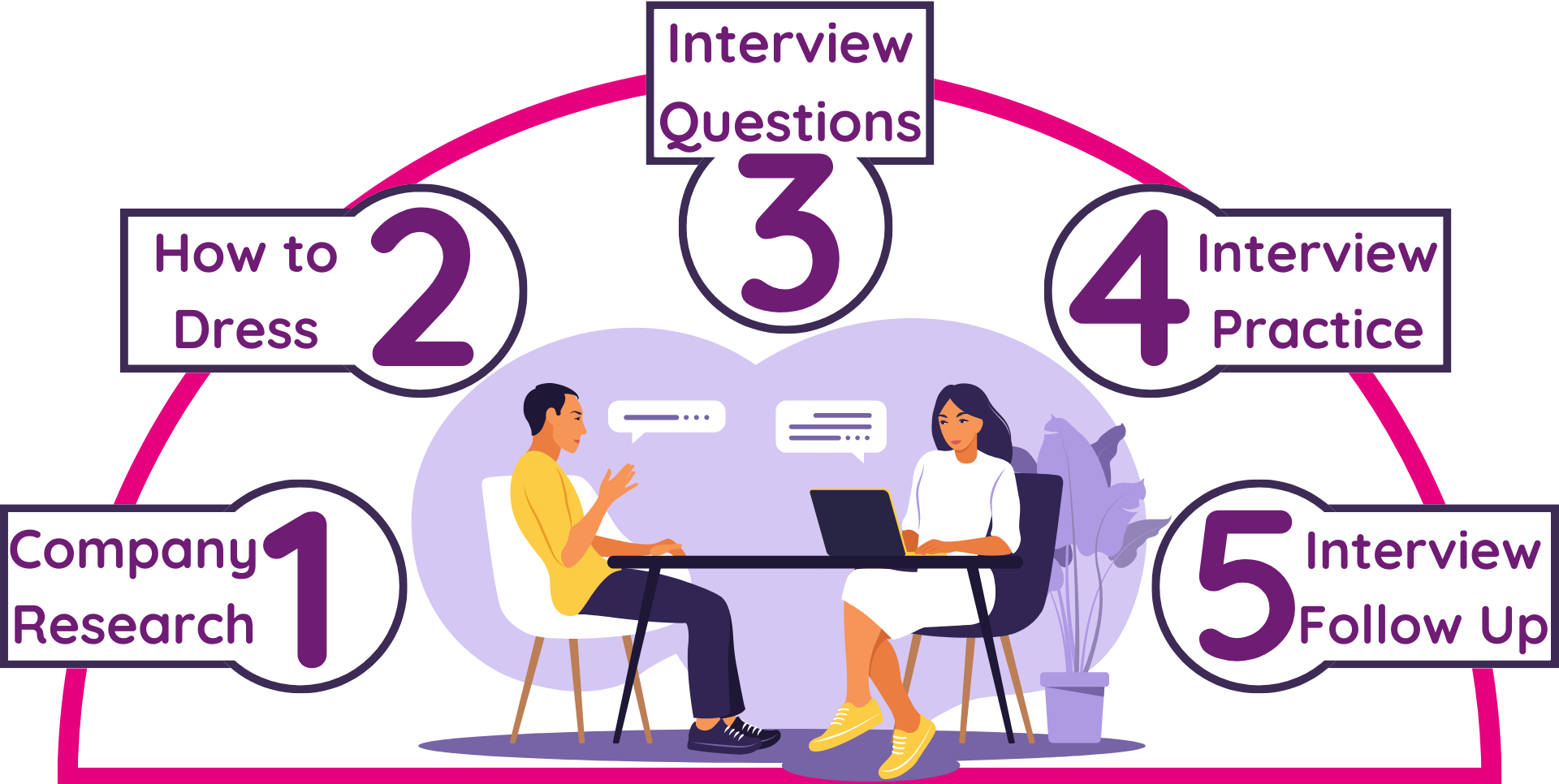
Interview

3. Practice Common Questions

Prepare answers for questions like “Tell me about yourself” or “Why should we hire you?”

4. Dress Professionally

First impressions matter. Dress smartly and be well-groomed.

5. Be on Time

Arrive at least 10–15 minutes early to show punctuality and seriousness.

Interview

6. Carry Necessary Documents

Resume, ID proof, portfolio, certificates — keep all ready in a neat folder.

7. Body Language Speaks

Maintain eye contact, smile, sit straight, and avoid fidgeting.

8. Be Honest

Don’t bluff about skills or experience. Say “I’m learning” if you’re unsure.

Interview

9. Be Clear and Confident

Answer questions with clarity, not speed. Confidence beats volume.

10. Ask Smart Questions

At the end, ask questions like “What does success in this role look like?”

11. Know Your Resume

Expect questions based on your resume — be ready to explain projects or gaps.

12. Show Enthusiasm

Let the interviewer know you genuinely want to work at their company.

13. Don't Badmouth

Never criticize past teachers, companies, or teammates — it reflects poorly on you.

Interview

14. Be Ready for Situational Qs

Prepare for “What if…” or “Tell me a time when…” questions.

15. Practice Mock Interviews

Record yourself or ask a friend to practice — it helps build confidence.

16. Mind Your Tone

Be polite and respectful — never arrogant or too casual.

17. Learn Basic Tech Concepts

For tech roles, brush up on data structures, OOPs, and SQL basics.

18. Highlight Soft Skills

Communication, teamwork, adaptability — mention them with examples.

Interview

19. Be Ready for Online Rounds

Keep your system ready, internet stable, and surroundings quiet.

20. Follow Up

Send a thank-you email — shows maturity and professionalism.

Popular posts from this blog

SSC MTS Slot Booking 2025–2026: Exam City Selection Date, Last Date & Complete Process

  SSC MTS Slot Booking 2025–2026: Exam City Selection Date, Last Date & Complete Process The Staff Selection Commission (SSC) conducts the Multi Tasking Staff (MTS) and Havaldar Examination every year for recruitment in various central government departments. One of the most important steps before downloading the admit card is SSC MTS Slot Booking / Exam City Selection . In this article, you will get complete and correct information about SSC MTS Slot Booking 2025–2026 , including expected dates, last date, step-by-step process, and common mistakes to avoid. What is SSC MTS Slot Booking? SSC MTS Slot Booking , also known as Exam City Selection , is the process where candidates choose: Preferred exam city Exam date (if multiple dates are available) ⚠️ Important: SSC does not allow exam center change after slot booking . SSC MTS Slot Booking Date 2025–2026 (Expected) As per previous SSC trends: Event Expected Date Exam City / Slot Booking Start January 2026 ...

🔗 How to Increase LinkedIn Connections – 10 Real Tips

1. Optimize Your Profile Your LinkedIn profile is like your digital resume. Use a professional and clear profile photo with good lighting and a friendly expression. Add a custom banner that reflects your interests or field. Craft a compelling headline (not just your job title) that describes what you do or what you're aspiring to do. In the "About" section, write a short and impactful summary highlighting your skills, goals, achievements, and what you're passionate about. Keep it genuine, structured, and focused. 2. Add Your Real Network First Start by connecting with people you already know in real life — college friends, professors, past coworkers, classmates, event attendees, and acquaintances. This builds a strong foundation and also helps the algorithm suggest better connections. Having a real network also makes you appear more credible when new people view your profile. 3. Personalize Connection Requests Always cu...

Top Website to Build Resumes

Top 15 Resume Builder Websites 📄 Top 15 Websites to Build Your Resume – Free & Easy 1. Canva canva/resumes – One of the easiest tools with drag-and-drop functionality. Choose from a huge library of visually appealing resume templates. You can customize fonts, colors, icons, and even add charts or images to make your resume stand out creatively. 2. Novoresume novoresume – Offers professional resume formats that are ATS (Applicant Tracking System) friendly. It includes smart content suggestions and layouts tailored for different career levels, from students to executives. 3. Zety zety/resume-builder – A guided resume builder that walks you through each section with expert tips. It includes writing suggestions for each field and also offers templates for cover letters and CVs. 4. ResumeGenius resumegenius – Ideal for users who need quick output. It builds resumes through a step-by-step questionnaire and generates well-struct...